Otter Alternatives for Transcribing Uploaded Interviews – Toolveyor
Otter Alternatives for Transcribing Uploaded Interviews
Choose Notta, Fireflies or Descript for recorded interviews. Compare upload limits, full transcript access, exports and monthly versus annual costs.
Written by Andrew White
•6 min read
If your interviews are already recorded, choose transcription software by uploaded-file limits, full-recording access and export, rather than by the number of live meetings it can attend. Otter.ai is not automatically the wrong choice, but its free import allowance is easy to misunderstand.
For this task, our shortlist is Notta for a straightforward transcript-and-export workflow, Fireflies.ai for keeping uploads alongside a meeting archive, and Descript when the transcript will also drive audio or video editing. The right choice depends on your output and workload, not a universal accuracy ranking.
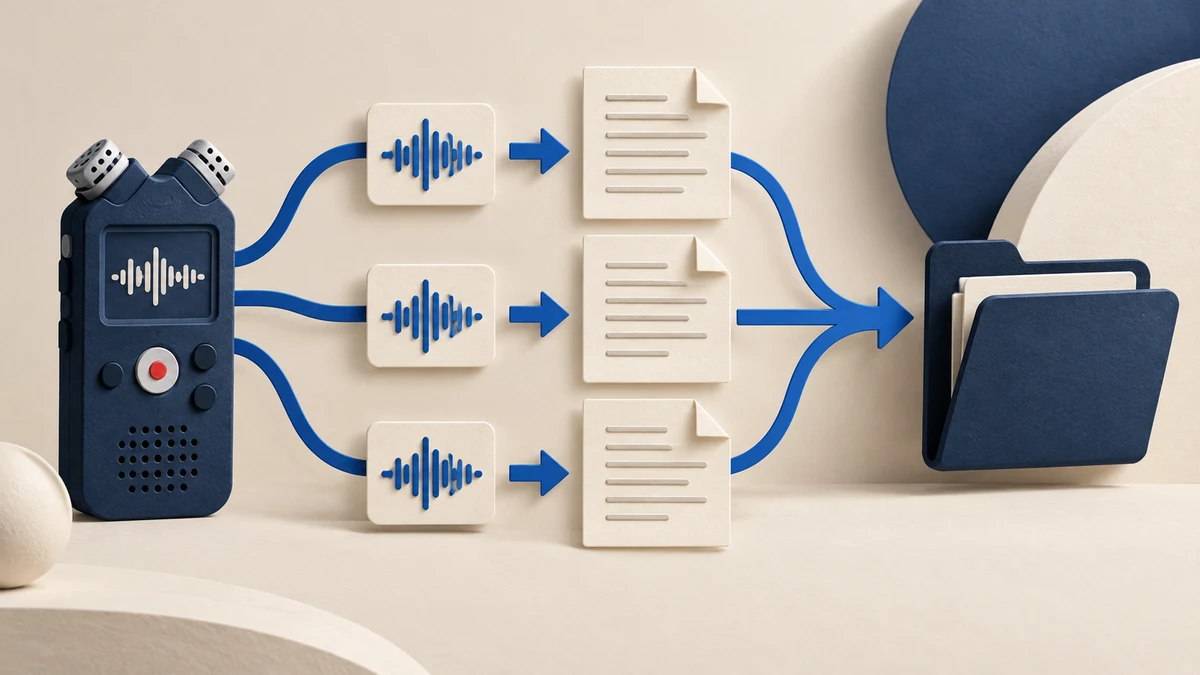
Research basis: official pricing and help pages checked October 16, 2026, including live Notta and Descript billing controls. This is an editorial analysis; we did not upload interviews, compare transcription accuracy or measure processing speed. The cover is a generated conceptual illustration.
For a single long class recording, our Notta Free lecture budget separates monthly minutes from the per-record access limit and export requirements.
The workload we are choosing for
Assume one researcher has four separate 60-minute interviews: 240 minutes in total. The required result is a corrected transcript for each interview, with speaker labels and useful timestamps, saved outside the service. Permission to upload the recordings is a prerequisite.
This differs from choosing a bot for future calls. Our meeting note-taker guide covers that broader decision, while the Otter vs Fireflies comparison focuses on a small team's recurring meetings. Here, no calendar invitation or automatic meeting join can increase the allowance for an existing file backlog.
First check whether Otter already fits
Otter's Basic-plan help says the free plan allows three imported audio/video files per account, not each month, and access to 30 minutes per transcription. Its pricing comparison lists 10 imports per month and a 90-minute conversation limit on Pro.
That makes Basic unsuitable for four complete hour-long interviews, even before you assess transcription quality. Pro's documented file count and duration fit this example, subject to the rest of your account's usage. If you already pay for it, check your remaining allowance before adding another subscription.
Otter's export documentation also distinguishes Basic's TXT-only export from paid formats and settings. A switch should solve a concrete constraint—such as upload volume, output format or editing—not merely replace one unfamiliar interface with another.
Share:
Alternatives at a glance
Option
Why investigate it
Main constraint for this backlog
Notta Pro
Transcription with downloadable text and document formats
Monthly minutes, upload count and per-recording access all apply
Fireflies Pro
Uploaded interviews stored with a searchable meeting archive
Upload processing and storage are different allowances; free downloads are restricted
Descript Hobbyist
Transcript correction plus editing the underlying recording
Imported media consumes media minutes; AI operations use a separate credit pool
Keep Otter Pro
Existing paid workspace already meets your needs
Verify remaining imports and required export settings before moving
These are workflow recommendations from documented terms. We have not established which engine recognizes your speakers, accents or technical vocabulary best.
Notta: when the deliverable is a transcript file
Notta's import guide separates upload count from accessible recording length. Pro lists 100 uploads a month and five hours per record; its pricing page includes 1,800 transcription minutes per month. Four hour-long files fit those listed ceilings if the allowance is otherwise unused.
The free plan's 120 monthly minutes and 50 uploads do not provide 50 complete long interviews: accessible length is limited to three minutes per record. The download guide requires Pro or above and appropriate download permissions. It documents TXT, DOCX, SRT, PDF and XLSX options, with speaker and timestamp controls varying by format.
Choose it when: you want to correct the transcript and take a usable file into your writing or analysis tools. Check first: the selected export preserves the speakers and timing you need. Translation add-ons and Notta Brain should not be assumed to be interchangeable with the transcription subscription.
Fireflies: when interviews belong in a meeting archive
Fireflies supports uploading past recordings without having joined the original conversation. Its upload guide gives a 150-minute duration limit per uploaded file and a 3,000-minute monthly paid processing allowance per user. Four 60-minute recordings fit those stated limits, assuming no other use.
Its storage and rate-limit guide says external-source limits reset monthly, with $0.01/minute overage; storage is the total retained history, not a monthly transcription budget. Pro lists 8,000 stored minutes per user.
The Free-plan guide says uploads consume transcription credits and transcript downloads require a paid plan. Unlimited free Auto-join transcription concerns eligible live meetings; it does not establish unlimited processing and export of your uploaded interviews.
Choose it when: keeping interviews together with your team's other conversations is useful. Check first: upload allowance, retained storage, file size and download permissions. AI features have their own credit conditions; a base seat price should not be treated as an unlimited AI budget.
Descript: when you also need to edit the recording
Descript's import guide explains how uploaded media becomes project material for transcription and text-based editing. That makes it worth investigating when the next deliverable is an edited interview or clips, rather than only research notes.
The pricing table lists one media hour a month on Free and 10 on Hobbyist. Our four-hour example exceeds Free and fits Hobbyist's stated allowance before other media use. Its usage guide separates media minutes from AI credits and says unused media minutes do not roll over.
Choose it when: transcript work is connected to editing audio or video. Check first: preserve an unedited research transcript before cutting the composition. Removing words or rearranging an interview for publication is a different task from retaining a faithful source record.
Prices: compare billing terms, not just the large number
These are individual or single-seat web offers checked October 16, 2026. The Notta page localized our session to euros; the other two displayed dollars. This is not a currency-converted cost ranking. Confirm checkout currency, tax and your account's offer.
Plan
Monthly billing
Annual billing
Included usage relevant here
Notta Pro, one seat
€11.69/month
€83.99/year, about €7/month equivalent
1,800 transcription minutes and 100 uploads/month
Fireflies Pro, per seat
$18/month
$10/month equivalent; $120/year by arithmetic
3,000 external-source minutes/month under documented upload limits; 8,000 stored minutes
Descript Hobbyist, one person
$24/month
$16/month equivalent; $192/year by arithmetic
10 media hours and 400 AI credits/month
Sources: Notta pricing, Fireflies pricing, Descript pricing. Annual equivalents require annual billing; the totals marked as arithmetic are calculations from the displayed monthly equivalent. They are not separately verified invoices.
For a one-off backlog, a monthly subscription may be easier to evaluate than a year-long commitment. None of these subscription figures is a quote for human correction or a promise of a publishable transcript. Free tiers are ongoing limited plans; a separate trial offer should not be confused with those allowances.
Considering TurboScribe for a long recording? Our TurboScribe Free limits analysis separates the per-file duration cap from daily submissions and compares actual monthly and annual payments.
For a closer look at checking source quotations, our Sonix interview-transcript review examines speaker correction, recording references and the export of review notes.
A short acceptance check before processing everything
Try one permitted representative file first. Check the beginning, a passage with overlapping speech and a passage with a name, number or specialist term. Listen to the audio while correcting those sections, then export the transcript and open it in your destination application.
Confirm that the export includes the full interview, useful speaker labels and the timestamps your process needs. Keep the original recording and record any uncertain words. This is a proposed evaluation, not a test we performed.
If the priority is a standalone transcript, start with the Notta card. If the archive matters most, inspect Fireflies. If you also need editorial cuts, evaluate Descript. If your current Otter plan already clears the same checks, keeping it may be the most practical option.