Replit Review for a Small Internal Tool Prototype – Toolveyor
Replit Review for a Small Internal Tool Prototype
Review Replit for an internal tool prototype: app access versus user roles, persistent data, rollback boundaries and the cost of building and hosting.
Written by Andrew White
•6 min read
Replit is worth evaluating when an operations team needs a small working prototype and wants planning, code and a reviewable app in one browser workflow. The strongest reason to consider it is the short path between describing a requirement and inspecting an implementation. The buying decision changes when the demo must retain records, restrict access and survive the next update.
Our verdict: shortlist Replit for a bounded internal-tool experiment with a named technical owner. Do not treat a successful preview as approval to replace a working business process. Pay for a requirement you can identify and verify, rather than an assumption that a larger AI allowance guarantees a finished tool.
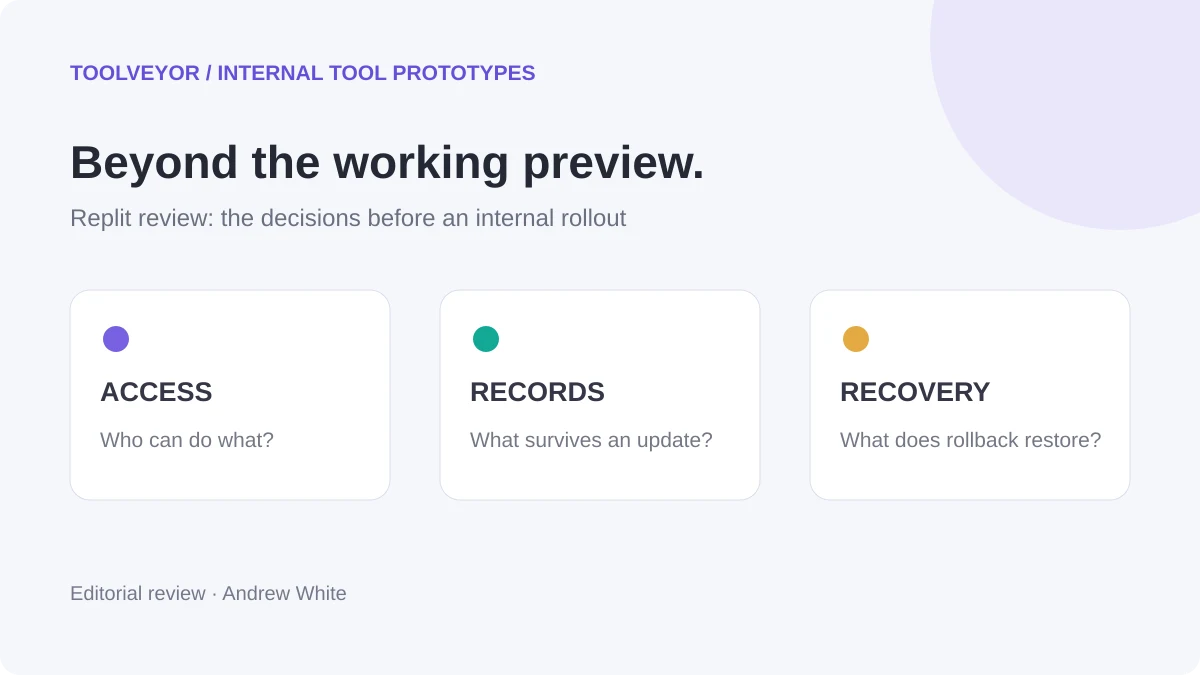
Basis: official documentation and live monthly/yearly pricing checked November 3, 2026. This is a source-based editorial review. We did not create an account, build or deploy an app, connect a database, test permissions or measure development speed. The example and acceptance checks below are proposed. The cover is a conceptual illustration, not a Replit interface.
A useful scope: one equipment reservation process
Imagine a small team reserving shared cameras and microphones. A coordinator can add equipment and approve a reservation; a reviewer can inspect availability but cannot change records. The prototype uses invented equipment and people, with no live inventory integration.
The question is whether colleagues understand the reservation process and whether the implementation respects those two roles. That is narrower than building an entire asset-management system. Define the required states first: no available equipment, an invalid date range, a conflicting reservation and a successful approval.
Our app-builder shortlist compares where a prototype is built and who owns revisions. This review goes further into Replit's access, persistence, recovery and ongoing-cost decisions.
Planning and generation are useful, but review remains a job
The Agent overview describes a plain-language workflow that can create a project, write code and test the result. Those are vendor-documented capabilities, not a measured success rate for this equipment example.
Plan Mode allows requirements and approaches to be discussed before code or data changes. For an internal prototype, use that stage to settle what a reservation means: which date boundaries count as a conflict, who can approve it and what cancellation should preserve.
Review the resulting plan against the actual work. If it proposes payment collection, external calendars or notifications that the experiment does not need, remove them from scope. Ask for one inspectable flow before adding another integration. This is our scope recommendation; we have not demonstrated how many prompts or credits the implementation would take.
Share:
Access to the app is different from permission to change a record
Replit's published-app access guide describes Public, Password protected, Workspace only and Invite only options. Public permits anyone with the URL; a password-protected app uses a shared password. The private choices use Replit sign-in and workspace or invitation access. Personal-workspace apps default to Public; organization-workspace apps default to a private option. Available choices can be restricted by workspace administration.
That controls who can open the app. It does not establish that your generated reservation logic correctly separates coordinator and reviewer actions. A hidden button is not evidence that a reviewer cannot submit the same change through another route.
Boundary to inspect
Proposed acceptance check
What a visible screen cannot prove
App access
Open the published URL in a fresh session without an invitation
That access is restricted merely because the tool is called internal
Read-only role
Attempt a record change as the reviewer, including a direct request checked by the technical owner
That hiding an Edit control enforces authorization
Coordinator role
Create and approve a permitted reservation
That every signed-in person should have the same rights
Conflicting dates
Try overlapping and adjacent reservations
That a success message means the stored state is consistent
Choose the available sharing option deliberately before publishing. The access guide says changing a live app's access requires unpublishing and publishing again. Plan that transition around the review session; do not discover it when colleagues are waiting for the link.
Persistence: test the published app, then test an update
Replit's database documentation separates development data from the production database used by a published app. Agent can modify development data; publishing applies relevant database-structure changes to production. Database setup differs between current and legacy infrastructure, so check the publishing settings for the project you actually create.
For this experiment, deliberately create a fictional reservation through the published app, reopen it in another session and confirm what persists. Then make a small planned update and check that the same reservation still exists. This tests the deliverable that colleagues will use, rather than relying on records seen only in the development preview.
Keep a short data note: which records are invented, what should survive an update and how to recreate the demonstration. If the tool needs to become operational, a technical owner should review schema changes and recovery before real records enter the workflow.
Recovery: a checkpoint is not the whole operating plan
The checkpoint guide documents saved project states and rollback. It explicitly distinguishes optional development-database rollback from production-database restoration, which is a separate process. A routine rollback does not change the database by default.
Before an experiment, record the known-good state and the change being attempted. If the new approval flow fails, decide whether the problem is code, test data or a published database change. Restoring one of those does not automatically resolve the others.
The advantage is a documented way to revisit project changes. The limitation is the need to understand what is being restored. For a maintained tool, assign responsibility for source history, data recovery and the published service instead of treating one rollback control as a complete handoff.
Prices: subscription, AI work and the running app
These USD prices were visible on the live pricing page. Annual totals marked as arithmetic are twelve times the displayed monthly equivalent, not invoices we obtained. Tax may apply.
Plan
Monthly billing
Yearly billing
Displayed monthly credit allowance
Core
$20/month
$18/month equivalent; $216/year by arithmetic
$20
Pro, selected entry credit tier
$100/month
$90/month equivalent; $1,080/year by arithmetic
$100
Enterprise
Custom
Custom
Confirm with the vendor
The Core card lists up to 30 hours of chat and up to 60 projects on Free Mode. These are maximum allowances, not a guaranteed number of completed tools. The pricing FAQ says credits cover Agent work, publishing, database operations and other usage; extra usage can be billed separately. Other Pro credit tiers are offered.
For free evaluation, the Starter documentation describes daily Agent credits with a monthly cap and separate monthly cloud credits. It includes one free published app whose link goes down after 30 days and carries a Replit badge. This is an ongoing limited free plan, not a paid-plan trial. Full build, Plan Mode and third-party connectors require an upgrade. No exact Starter credit quantity was confirmed here.
The spend-management guide distinguishes usage controls from unlimited service: limits cap spending beyond monthly credits, and reaching a shutdown limit can suspend usage-based services. Agent modes also affect the cost model. A planning conversation should not be assumed to have no cost merely because it changes no code; inspect the selected mode and current account usage.
For a small prototype, budget separately for making revisions and keeping the shared result usable. A spending cap can protect the budget while interrupting a review link. Name the person who checks usage before a scheduled demonstration. We cannot infer cost per successful reservation tracker from a plan's dollar allowance.
Strengths, tradeoffs and another route
The integrated workflow is the main advantage. Requirements, implementation and a running result can be considered together. This is useful when an operations colleague needs to explain behavior while a developer inspects the implementation.
The main tradeoff is the gap between a convincing demo and a dependable internal service. Roles, stored state and recovery need explicit acceptance checks. Subscription credits and hosting also need continued ownership after the first build. These are reasons to bound the experiment, not claims that Replit fails those checks.
Consider GoCodeo when a developer should work inside an IDE from the beginning. Its official introduction describes coding and testing assistance in that environment. It is an alternative development workflow, not a verified cheaper equivalent or permission system. The developer still owns the chosen host and backend.
Keep the existing spreadsheet or form if it already handles the reservation process and the only uncertainty is wording or policy. A new application is useful when interaction or state changes need to be explored. If the process itself remains unclear, start with our workflow-diagram guide.
The next step
Open the Replit card, check the available plan and sharing settings, and define one prototype question before generating. For the fictional equipment tracker, require a reviewer to find availability, a coordinator to approve a valid request and a conflicting request to be rejected. Check the published result across sessions and after one controlled update.
Proceed beyond the prototype only when the responsible person can explain access, persistence, recovery and running cost. A successful experiment answers a bounded product question; maintaining the internal tool is the next decision.