How to Flag Ambiguous CSV Dates in Quadratic Before Analysis – Toolveyor
How to Flag Ambiguous CSV Dates in Quadratic Before Analysis
Flag ambiguous CSV dates in Quadratic with explicit DMY and MDY candidates, preserved raw values, a locally checked Python example and a review step.
Written by Andrew White
•6 min read
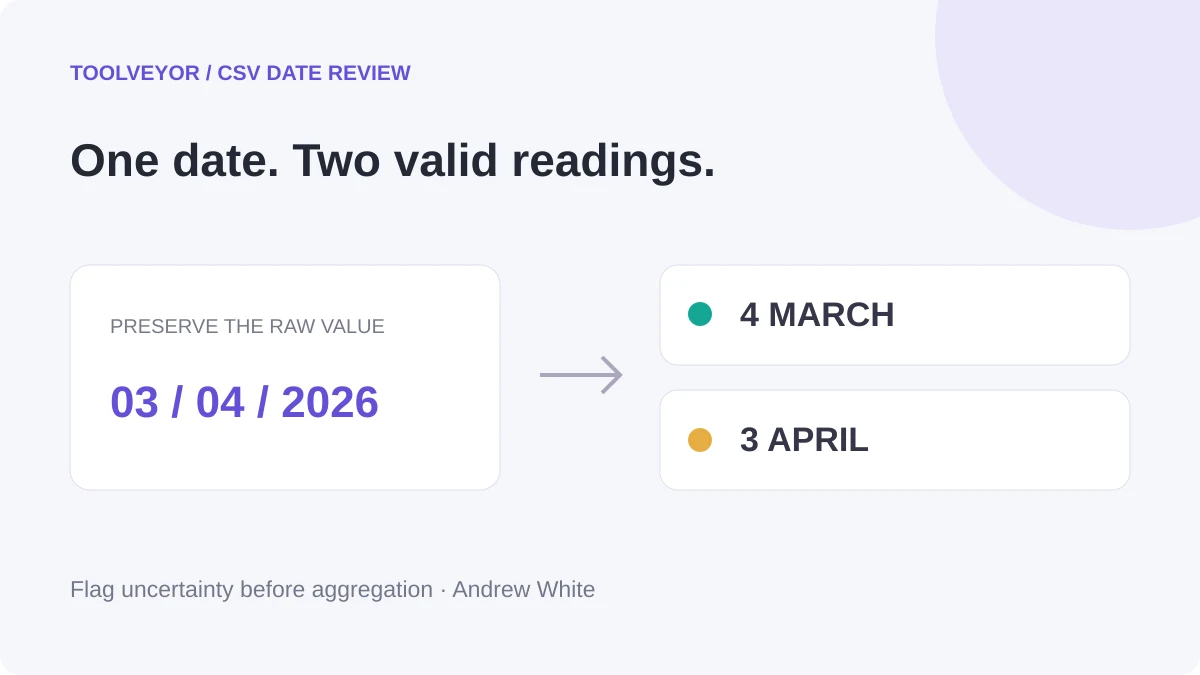
Do not let an ambiguous date silently choose a reporting month. In a CSV, 03/04/2026 could mean March 4 or April 3. This Quadratic workflow preserves the raw text and produces separate candidates for review before any monthly summary.
The example uses seven invented rows and an explicit Python classifier. It deliberately does not create an approved reporting-date column. A syntactically valid interpretation is a candidate, not evidence of what the source meant.
Verification basis: official Quadratic documentation and pricing checked November 3, 2026. We executed the exact example below locally in CPython 3.12.14 with pandas 3.0.1: 24 classification cases and four dataset checks passed. We did not run it in Quadratic, upload a file or test its import, editor or export. The Quadratic steps follow its documentation; the table below is a locally validated expected result, not a worksheet screenshot. The cover is a conceptual illustration.
1. Define the input and preserve its spelling
Start with an untouched CSV, a stable row ID and the date column's business meaning. Confirm whether it represents an order date, payment date or something else. Keep the source's format specification if one exists.
For the demonstration, the CSV is embedded as text inside the Python example. This avoids assuming a spreadsheet import has retained every original date spelling. It contains one example of each review status, including a blank value and an impossible calendar date.
Quadratic documents CSV drag and drop, but importing a file is not evidence that its date text remains unchanged. Compare representative imported values with the original before adapting the procedure. If a value has already been converted or reformatted, the original ambiguous spelling cannot reliably be reconstructed from it.
Our broader CSV-cleaning guide covers categories, duplicate review and control totals. Here the sole task is date interpretation before aggregation.
2. Create a Python cell with a bounded classifier
The Python getting-started guide describes selecting an empty cell, pressing /, choosing Python and writing code in the editor. Use clear space for the output. Quadratic's output documentation says a DataFrame on the final line is returned to the sheet as a table, with its column names as headers.
Copy this complete example. It accepts only YYYY-MM-DD or two-digit slash dates with a four-digit year. It tests both day/month/year and month/day/year, retaining the original field alongside the results.
Share:
import csv
import re
from io import StringIO
from datetime import datetime
import pandas as pd

csv_text = """row_id,date_raw
1,03/04/2026
2,13/04/2026
3,04/13/2026
4,2026-04-03
5,31/02/2026
6,
7,11/11/2026
"""

def candidate(text, fmt):
    try:
        return datetime.strptime(text, fmt).date().isoformat()
    except ValueError:
        return ""

def inspect_date(value):
    if value is None:
        return ("missing", "", "")
    if not isinstance(value, str):
        return ("type_changed", "", "")
    text = value.strip()
    if not text:
        return ("missing", "", "")
    if re.fullmatch(r"[0-9]{4}-[0-9]{2}-[0-9]{2}", text):
        iso = candidate(text, "%Y-%m-%d")
        return ("ISO" if iso else "invalid", iso, iso)
    if not re.fullmatch(r"[0-9]{2}/[0-9]{2}/[0-9]{4}", text):
        return ("unsupported", "", "")
    dmy = candidate(text, "%d/%m/%Y")
    mdy = candidate(text, "%m/%d/%Y")
    if dmy and mdy:
        status = "same_under_both" if dmy == mdy else "ambiguous"
    else:
        status = "DMY_only" if dmy else "MDY_only" if mdy else "invalid"
    return (status, dmy, mdy)

records = list(csv.DictReader(StringIO(csv_text)))
df = pd.DataFrame(records)
checks = pd.DataFrame(
    [inspect_date(v) for v in df["date_raw"]],
    columns=["date_status", "candidate_DMY", "candidate_MDY"],
)
result = pd.concat([df, checks], axis=1)
result
The classifier uses Python's explicit date parsing and calendar validation. The shape checks reject other spellings rather than guessing how to parse them. Whitespace is ignored for interpretation, while date_raw remains unchanged.
Intermediate check: the result must still have seven rows and the same row IDs and raw date strings. Stop if the output overlaps input, omits a row or changes the original column. We verified those properties locally; check them again in the actual worksheet.
3. Inspect the expected review table
These are the outputs obtained from the local example. A dash below means the code returns an empty string for that candidate.
row_id
date_raw
date_status
candidate_DMY
candidate_MDY
1
03/04/2026
ambiguous
2026-04-03
2026-03-04
2
13/04/2026
DMY_only
2026-04-13
—
3
04/13/2026
MDY_only
—
2026-04-13
4
2026-04-03
ISO
2026-04-03
2026-04-03
5
31/02/2026
invalid
—
—
6
blank
missing
—
—
7
11/11/2026
same_under_both
2026-11-11
2026-11-11
ambiguous requires external evidence before choosing a candidate. DMY_only and MDY_only identify which supported interpretation forms a valid date; they do not prove that the source intended that format. Seeing both in one file is a reason to investigate mixed conventions or bad values, rather than applying one rule blindly.
same_under_both means the two supported interpretations produce the same date. It does not establish the convention for any other row. ISO means the strict supported year-month-day form is valid. Neither status proves that this is the correct business date for your report.
invalid covers an impossible date in a supported shape. unsupported covers other shapes, including two-digit years, timestamps and single-digit slash components. type_changed flags a non-text input if you later connect the function to worksheet data. It is not a way to recover the original text.
4. Adapt only after checking the real imported range
Quadratic's cell-reference documentation provides q.cells for ranges and the first_row_header=True option. If your working copy has exactly the two headers row_id,date_raw in A1:B1 and seven data rows beneath, replace the two lines that create records and df with:
Leave the classifier and the lines that build checks and result in place. Adjust the range to your actual data, including every row exactly once. Do not put the output within that range. We checked this reference syntax against the documentation, but did not execute this worksheet adapter.
Before trusting it, compare the input row count and raw values against the CSV. If dates arrived as typed values or normalized strings, stop and use an ingestion method that preserves the source text; changing the classifier cannot undo an earlier lossy conversion. Never use the first seven ordinary rows as the only check: include blanks, an impossible date and a known ambiguous value.
For a larger file, inspect status counts as well as individual rows. The fixture produces one row in each of its seven statuses. Keep invalid, missing and unresolved rows visible in an exception report instead of silently dropping them from the denominator.
5. Approve a rule before building a monthly total
Ask the source owner or consult the export specification. Record the approved convention, the field's meaning and any source-specific exceptions. If several sources are combined, rules may need to be applied per source, not globally.
Only then add a separate date_approved column. Preserve the raw field and candidates. Record a review reason or rule identifier so a colleague can distinguish an approved interpretation from an unresolved proposal. Do not simply rename candidate_DMY as the final date.
If AI helps explain the code, constrain the request:
Explain the date_status counts and list unresolved rows. Preserve date_raw and row_id. Do not choose between DMY and MDY, delete records or create an approved date without a supplied source rule.
This prompt is a suggested review aid, not a prompt we ran. The deterministic example itself does not require an AI request. Once dates are approved, our checked-chart workflow shortlist covers checking aggregates before presenting them.
Plans and limits to check before adopting the workflow
The live pricing page showed these USD options in both billing modes on November 3:
Plan
Monthly billing
Annual billing
Relevant allowance
Personal
Free
Free
Limited AI, sharing, files and connections
Pro
$20/user/month
$18/user/month equivalent; $216/user/year by arithmetic
$20 in monthly AI credits
Business
$40/user/month
$36/user/month equivalent; $432/user/year by arithmetic
$40 in monthly AI credits; additional credits purchasable
Personal is a limited free plan, not a temporary paid-plan trial. The pricing FAQ says Pro applies per user to the whole team. Confirm the members who will be billed before upgrading a shared workspace. Annual equivalents require annual billing; the totals shown are calculations, not invoices.
No exact Personal AI quantity or suitable maximum file size was established for this procedure. A seven-row example is not a performance benchmark for your export. Check Python access, actual file behavior, required sharing and any AI consumption in your workspace before moving a recurring report or buying a plan.
What this check does not resolve
The classifier does not handle time zones, Excel serial dates, textual month names or arbitrary locale formats. A blank, the literal text NA and an impossible date are deliberately different inputs. Add another format only after defining its meaning and testing representative exceptions.
Most importantly, valid dates can still be wrong. This procedure exposes uncertainty; it does not supply the missing source convention. Open the Quadratic card, try the small fixture and verify its output in the workspace first. Expand to a real file only when the raw input survives and someone can approve the interpretation rule.