Best AI Tools for Reviewing Meeting Follow-Ups Before Assigning Tasks – Toolveyor
Best AI Tools for Reviewing Meeting Follow-Ups Before Assigning Tasks
Compare Fathom and Fireflies for checking meeting follow-ups: source passages, speaker corrections, owners, deadlines, prices and a review register.
Written by Andrew White
•7 min read
An action item can look ready for a task board while still missing an owner, a confirmed deadline or the condition that makes the work possible. The useful AI meeting tool is the one that helps a project lead get back to the conversation and resolve those gaps before assigning work.
Our two picks are Fathom for reviewing a focused call and sharing the supporting record, and Fireflies for correcting attribution and reviewing follow-ups inside a searchable meeting archive. Neither selection means that generated tasks have been approved by the people named in them.
This is an editorial selection based on official pricing pages and documentation checked on November 3, 2026. We did not record a meeting, measure transcription accuracy or test task integrations. The examples below are hypothetical; the proposed review register is a manual working method, not a built-in approval feature.
How we selected these tools
We looked for four things: access to the source conversation, a documented way to inspect or correct the record, a practical handoff for another reviewer, and clear costs for the features involved. Both products are published in the Toolveyor catalog and have active official product and help pages.
We kept the shortlist to two because they offer useful, different review paths. This is not a ranking of every meeting assistant or a claim that either captures commitments more accurately. If you are still choosing how to capture calls, start with our broader AI meeting note-taker guide. Here the question is what happens after the notes exist.
Share:
Review need
Fathom
Fireflies
Return to the source
Shareable recording and transcript
Timestamped notes linked to the transcript
Correct the record
Recording Admin access includes transcript editing
Meeting owner can correct speaker labels, then regenerate the summary
Collaborate on uncertainty
Team-plan comments; check recipient access level
Timestamped comments and manual timeline markers
Main handoff concern
Connected CRM changes can sync immediately
Corrected transcript labels need a refreshed summary and another human check
Choose it when
A lead reviews individual calls and shares the supporting record
Several people need to revisit attribution and specific passages
Fathom: a focused call-review option
Fathom is a reasonable starting point when the reviewer wants a call recording, transcript and summary together, then a clear way to give someone else access. Its sharing guide distinguishes Limited, Standard and Admin recording access. Standard viewers can see action items; transcript editing requires Admin access. Comments are tied to the Team plan.
That distinction matters when a project lead asks a colleague to fix an attribution. Sending a recording link alone does not establish editing permission. Decide who reviews the record and who can change it; share only with the intended audience. Fathom offers link access restricted to explicitly added people, among other sharing choices.
For this workflow, start with the candidate follow-up and replay the relevant conversation before copying the approved wording into your task system. If the product's generated list does not preserve a condition, keep that condition in your review register. A summary is an index to the conversation, not proof of an agreement.
Strength: a straightforward review-and-share path, including a free recording/transcription starting point. Tradeoff: AI action items and team collaboration have different plan requirements; an individual subscription is not the same as a shared review workspace.
Watch the boundary between editing and dispatch. Fathom's HubSpot integration guide says adding an Action Item creates a task in both systems, and summary edits or new action items trigger immediate resynchronization. Review the integration settings before using a connected call as your scratchpad. If the task must wait for approval, maintain the unresolved candidate separately until your team has agreed its wording and owner.
Fireflies: attribution correction and passage-level review
Fireflies is the more relevant pick when the main problem is finding and correcting who said what. Its summary documentation describes timestamped notes linked to the transcript and extracted follow-ups associated with speakers. Speaker association still needs checking: the speaker may be requesting work from somebody else.
The documented correction sequence is useful. Open the transcript, correct the speaker label for one instance or throughout the transcript as appropriate, and regenerate the summary after the correction. The speaker-editing guide says the meeting owner needs access to those controls. Renaming a speaker changes the displayed transcript, not the underlying audio.
This makes Fireflies a good candidate for a review queue with questionable attribution. Correcting every occurrence of a label is appropriate only if every occurrence represents that person. A paragraph containing two speakers may need splitting first. After regeneration, recheck the resulting owner against the recording; a cleaner label does not make an inferred commitment certain.
For unresolved passages, its collaboration guide documents timestamped comments and manually placed action-item or bookmark markers. These can take reviewers back to the relevant section. Check comment visibility and meeting access before sharing the review with another person.
Strength: a documented correction-and-regeneration path plus passage-level collaboration. Tradeoff: the meeting owner controls key corrections, and regenerated AI text still needs review. Expanding an AI summary point adds generated context; it is not an independent source check. Paid summaries also do not mean every AI feature is included without additional credits.
Prices and limits that affect this decision
These are US-dollar list prices checked in the live monthly and annual billing modes on the Fathom pricing page and Fireflies pricing page. Annual figures below are monthly equivalents with annual billing; full-year totals are arithmetic before applicable taxes.
Plan
Month-to-month
Annual billing
Review-related boundary
Fathom Free
$0
Free plan
Recordings and transcription; do not assume the full paid AI-action workflow
Fathom Premium
$20/user/month
$16/user/month; $192/year
Individual AI action items
Fathom Team
$19/user/month
$15/user/month; $180/user/year
Two-user minimum; team comments and collaboration
Fireflies Free
$0
Free plan
Limited AI summaries; pricing card lists 400 storage minutes per team
Fireflies Pro
$18/seat/month
$10/seat/month; $120/seat/year
Unlimited AI summaries; 8,000 storage minutes per seat; downloads
Fathom Team therefore starts at $38 per month on monthly billing or $360 for two users for a year on annual billing. The cheaper-looking annual rate is not a month-to-month offer. A paid plan's trial is also different from the permanent Free plan.
For Fireflies, budget AI credits separately from the seat subscription. Its AI-credit guide describes the initial allocation as one-time and shared by the team, rather than a recurring allowance multiplied by seats. It also describes paid-account credit auto-subscriptions or upgrades when credits run out. Check those settings and scheduled AI features before purchase. The guide says ordinary summary reprocessing is free, while custom summary sections use credits.
Fireflies' Free pricing card and comparison table use different wording about transcription allowances. We would not promise unrestricted free processing from that page. For a fuller treatment of the free-plan caveats, see is Fireflies AI free?. Test the review procedure with a permitted, non-sensitive sample before committing to annual billing.
Use a review register before assigning work
Prepare the recording or transcript you are allowed to review, the generated follow-up list, the meeting date and the task destination. Keep the original candidate text beside your corrected version. The following is a proposed manual procedure, not a product test.
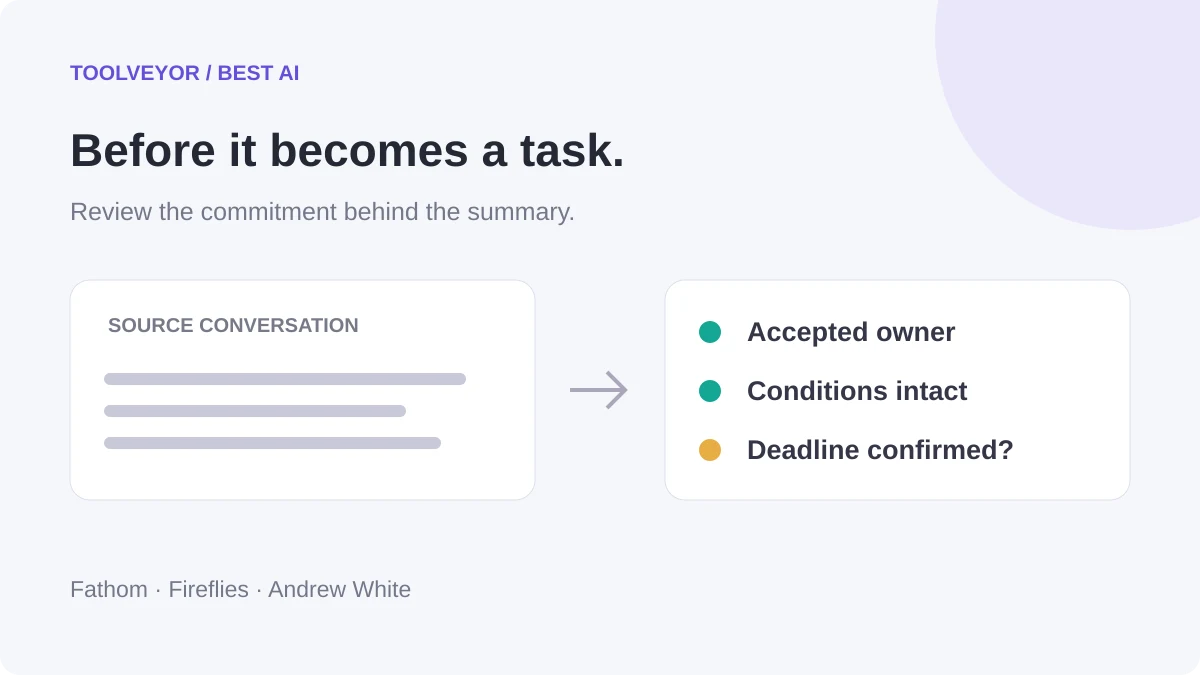
For each candidate, record the source passage or timestamp, the actual speaker, the proposed task owner, any dependency, the deadline evidence and the review status. Use needs clarification, conditional or approved rather than treating every generated line as ready to send.
Hypothetical source passage
Risk in a generated task
Review outcome
“I can draft it once Finance approves the budget.”
A conditional offer becomes an unconditional assignment
Preserve the Finance dependency; confirm who owns the draft
“Could Maya send the revised brief?”
The requesting speaker becomes the task owner
Record Maya as proposed owner; seek acceptance before approval
“Let's have it ready next Friday.”
A calendar date is silently invented
Resolve the date from the meeting context and confirm it
First, replay enough surrounding conversation to find the condition or correction. Search matches and summary bullets may omit what was said immediately before or after. If the words or speaker remain unclear, leave the item unresolved.
Second, separate who spoke from who accepted the work. A named person, a request and an accepted commitment are different evidence. Keep a missing owner or deadline explicitly unknown; a blank field is more useful than an invented assignment.
Third, have the responsible person confirm any unresolved commitment. Record the approved wording, reviewer and date in your register. Then copy or dispatch only that approved version, with a source link that the recipient can actually open. Check the destination for duplicates and verify that owner, dependency and date survived the handoff.
The expected result is a shorter, reviewable list with unresolved questions still visible. It is not a guarantee that the AI found every commitment. Poor audio, absent participants and ambiguous language may require direct clarification even after transcript corrections.
Which should you try first?
Choose Fathom when you mainly review individual calls and want to share the recording behind a decision. Compare Premium with Team according to whether one person or several people need to participate in the review.
Choose Fireflies when attribution corrections and revisiting specific passages are recurring problems. Confirm that the meeting owner can perform edits and regeneration, and check storage, sharing and credit settings before rolling the process out.
Open the Fathom card or Fireflies card, then evaluate one allowed sample against the review register above. The useful buying question is whether your team can turn a questionable follow-up into an evidenced, accepted task without losing the original context.