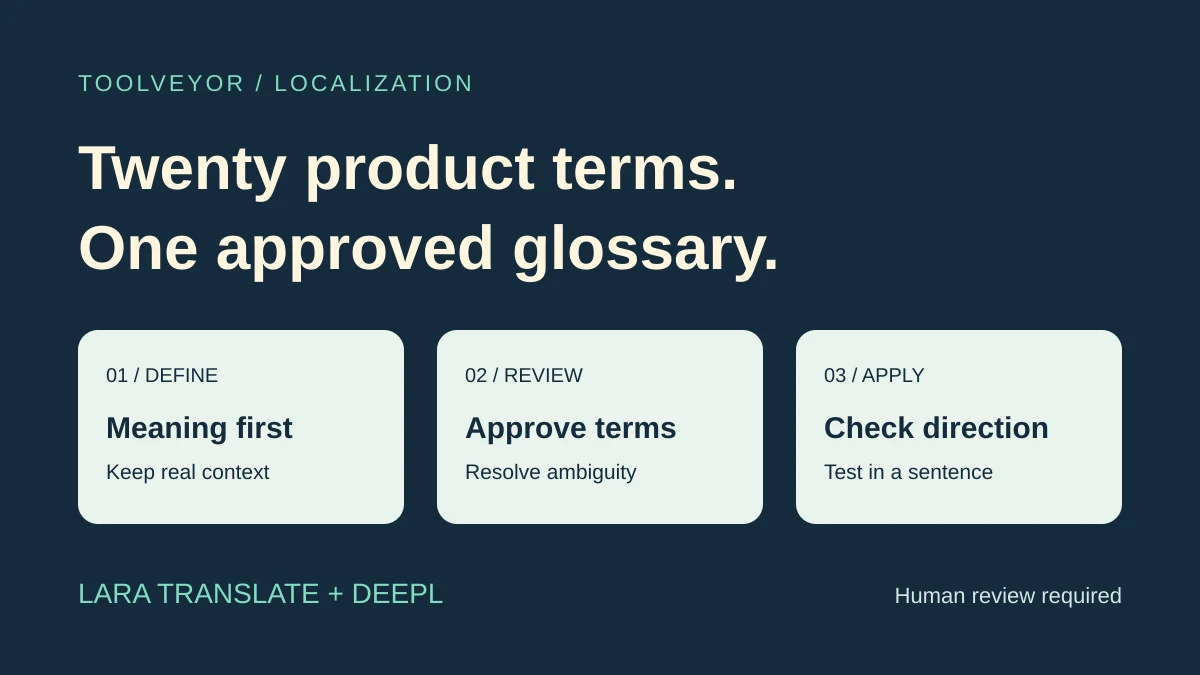
A short product glossary needs two decisions: what each term means, and which translation your team approves. A translation service can propose wording and apply preferred terms later, but it cannot decide whether “workspace” means an account container, a physical office or something else in your product.
Consider Lara Translate when you want to upload an approved terminology list and manage its direction explicitly. Consider DeepL when its supported glossary languages and available plan fit your term count and existing translation process. A five-term pilot and a shared twenty-term glossary are different buying tasks.
This is a two-tool editorial shortlist based on official documentation and live public pricing checked November 8, 2026. We did not submit product text, compare translation accuracy or test an authenticated glossary import. The review process below is proposed. The cover is an original illustration.
Start with a bounded glossary brief
Assume a small team needs twenty product terms translated into one target language. Its deliverable is an approved terminology sheet plus a way to apply those decisions to later interface text, help pages or release notes.
For each term, retain the source label, meaning, a real sentence, proposed target wording, reviewer and approval status. Add a “keep unchanged” instruction where needed for a brand or feature name. A sentence provides evidence about meaning that an isolated noun often lacks.
Leave ambiguous terms unresolved until the product owner clarifies them. A translation that reads naturally can still describe the wrong concept. Keep candidate translations separate from the glossary that production writers are allowed to use.
This differs from our product-explainer localization guide, which selects video and audio workflows. Approving written terminology is an earlier decision; you must still check how the eventual dubbing or caption tool accepts it.
Compare the two routes
| Review question | Lara Translate | DeepL |
|---|
| Applying approved terms | Uploaded glossary with explicit direction choices | Preferred word or short-phrase translations for supported language pairs |
| Small-list starting point | Glossary upload documented on Pro | Free supports a small pilot; term limits matter even on Individual |
| Reuse across reviewers | Team supports shared glossaries | Free entries stay in one browser; paid storage and sharing depend on plan |
| Check before importing | Correct template, codes, direction and case | Eligible plan, supported pair, CSV structure and entry count |
Neither option eliminates review of the surrounding sentence. Treat consistent terminology and correct translation as related checks, not the same result.
Lara Translate: an uploaded list with direction choices
Lara's glossary guide documents one UI-uploaded glossary on Pro and unlimited glossaries with team sharing on Team. It distinguishes unidirectional entries from a multidirectional glossary covering combinations of the included languages.
That distinction matters when a product is localized outward from one source language but also receives translated material back. Do not assume a source-to-target rule is automatically valid in reverse. Unidirectional glossaries are case-sensitive, and the selected translation languages must match the glossary codes.
The guide provides different CSV templates for the two types and describes activation for text and document translation, plus CSV export. Use the template for the chosen type rather than adapting a generic spreadsheet by guesswork.
Choose Lara when explicit direction and uploaded-list reuse suit your process. Check first: who can manage the shared glossary, which languages are selected and whether your paid plan includes the required glossary access. A free text allowance does not imply free glossary upload.
For the twenty-term example, draft candidates in context, get them reviewed, and only then build the uploaded glossary. Importing unapproved machine suggestions simply makes uncertain terminology easier to repeat.
DeepL: check the entry limit before choosing a plan
DeepL's glossary explanation describes preferred translations for words and short phrases, with grammatical adaptation rather than literal search-and-replace. It also maintains a specific list of supported glossary languages. General translator support is not sufficient evidence that the same language pair supports glossaries.
Free glossary entries are stored locally in the browser. Paid account storage can support reuse on another device, but storage, import and sharing are separate entitlements.
The live plan comparison listed five glossary entries per language pair on both Free and Individual. That makes either a possible small pilot, not a fit for enforcing all twenty terms in the illustrative brief. Team listed five glossaries and 1,000 entries per language pair.
DeepL's glossary-upload instructions require an eligible tier, including Team, for CSV upload. They specify UTF-8, a first row containing an entry rather than a header, no comments and no duplicate source entries.
That upload format is different from feeding translated sentence pairs into a glossary generator. The creation best-practices guide treats manual creation, existing-glossary upload and generation as different routes. For a short reviewed list, choose the route that matches the data you actually have.
Choose DeepL when the required pair, term capacity and existing translator workflow align. Check first: count approved terms per pair; paying for Individual alone does not solve a twenty-entry requirement under the displayed limits.
Compare cost on the right basis
These are the public offers displayed during review, without a completed checkout:
The Lara pricing page prices Team around a shared quota rather than a separate charge for every user. It lists extra usage at $0.30 per 10,000 characters on Pro and $0.25 on the displayed Team tier. Document translation has a 20,000-character minimum charge per document, which matters for a tiny file. Confirm how your chosen action is metered.
The DeepL offer was localized to Germany in euros and stated VAT included. Its thirty-day trial is distinct from Free. Annual rates are not month-to-month quotes, and these different currencies and billing units should not be treated as a direct price ranking.
Verify your region, renewal terms and required seats before paying. A larger translation-character allowance does not necessarily buy a larger glossary.
Review one term in several real sentences
After a bilingual reviewer approves a candidate, try it in a short interface label and a complete help sentence. Include a plural or another grammatical form where relevant. Check meaning, grammar, capitalization and whether the wording still matches the product action.
Inspect a term that should remain unchanged as well. If the result is unexpected, check glossary activation, language direction, codes and plan entitlement before changing the approved term itself.
Keep an ambiguity log. A source word used for two different product concepts may need clearer source copy rather than multiple conflicting replacements. Retain the final glossary version, review date and owner so another editor knows which decisions are current.
This is an acceptance procedure, not evidence that either tool passed our own test. Human review remains necessary before publishing the translated interface or help content.
Next step
Open Lara Translate to evaluate the uploaded-glossary route, or DeepL to check language-pair support and term capacity. Begin with the hardest approved terms and their real sentences. Pay when verified import, sharing or capacity requirements exceed the access you already have.